Products/Design Resources/Architecture AI Render & Presentation Kit
Whop Link PendingDesign ResourcesDesign / Architecture / AI Prompt PackAI Prompt PackArchitecturePresentation KitWhopDPLabGumroad

Architecture AI Render & Presentation Kit

A premium AI-assisted prompt and presentation kit for architectural renders, interior concepts, moodboards, product visuals, and client-ready design storytelling.

BuyerArchitects, interior designers, visualization artists, product designers, and creative studios
Works with / for
WhopMidjourneyDALL-EStable DiffusionPresentation Boards
Architecture AI Render & Presentation Kit
Product promise

A premium AI-assisted prompt and presentation kit for architectural renders, interior concepts, moodboards, product visuals, and client-ready design storytelling.

No guaranteed perfect renders, client approval, sales claims, or replacement of professional design skill.

What it is

A premium AI-assisted prompt and presentation kit for architectural renders, interior concepts, moodboards, product visuals, and client-ready design storytelling.

The kit helps designers create stronger AI-assisted architectural visuals, moodboards, and presentation narratives faster by giving them structured prompt frameworks, visual direction prompts, refinement checklists, and client-facing storytelling flows.

It does not promise guaranteed perfect renders, guaranteed client approval, guaranteed sales, or replacement of professional design judgment. It is a structured accelerator for the early visual and presentation stages of design work.

Who it is for

Architects, interior designers, architecture students, visualization artists, product designers, and creative studios who use AI visuals as part of a professional concept or presentation workflow.

Best for: Architects, interior designers, visualization artists, product designers, and creative studios

What problem it solves

Designers waste time trying to get consistent, premium, presentation-ready AI visuals and clear client-facing storytelling from scattered prompts and blank presentation structures.

What it helps with

  • Turning a design direction into stronger AI-assisted render prompts
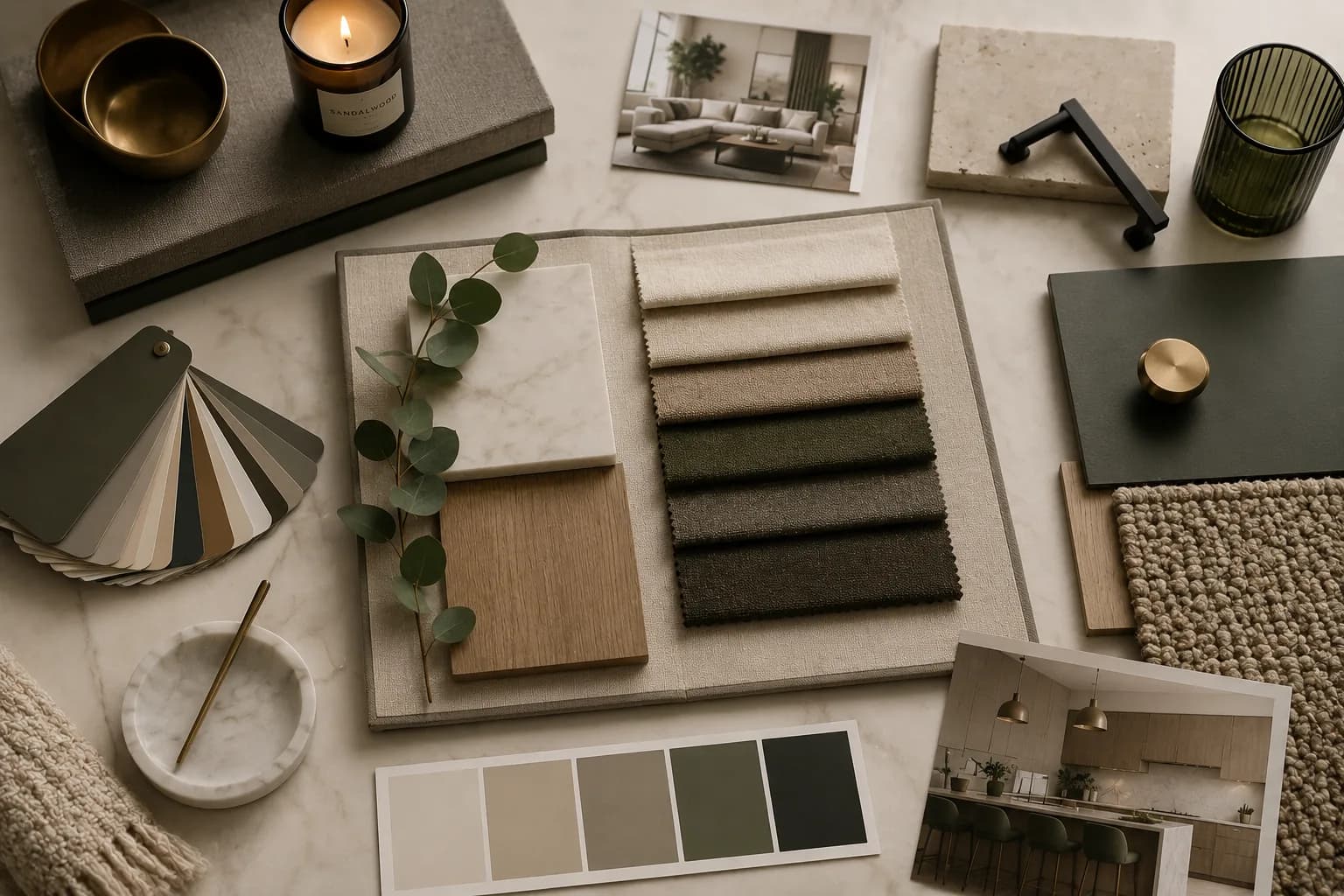
  • Building premium interior moodboards with clearer material and lighting language
  • Creating product or furniture visual directions for presentation boards
  • Writing client-facing presentation narratives around generated visuals
  • Refining prompts without losing design intent

What is included

  • Architectural render prompts
  • Interior prompt directions
  • Product and furniture render prompts
  • Moodboard prompt structures
  • Client presentation prompts
  • Visual storytelling framework
  • Presentation workflow guide
  • Prompt refinement checklist
  • Example use cases where available

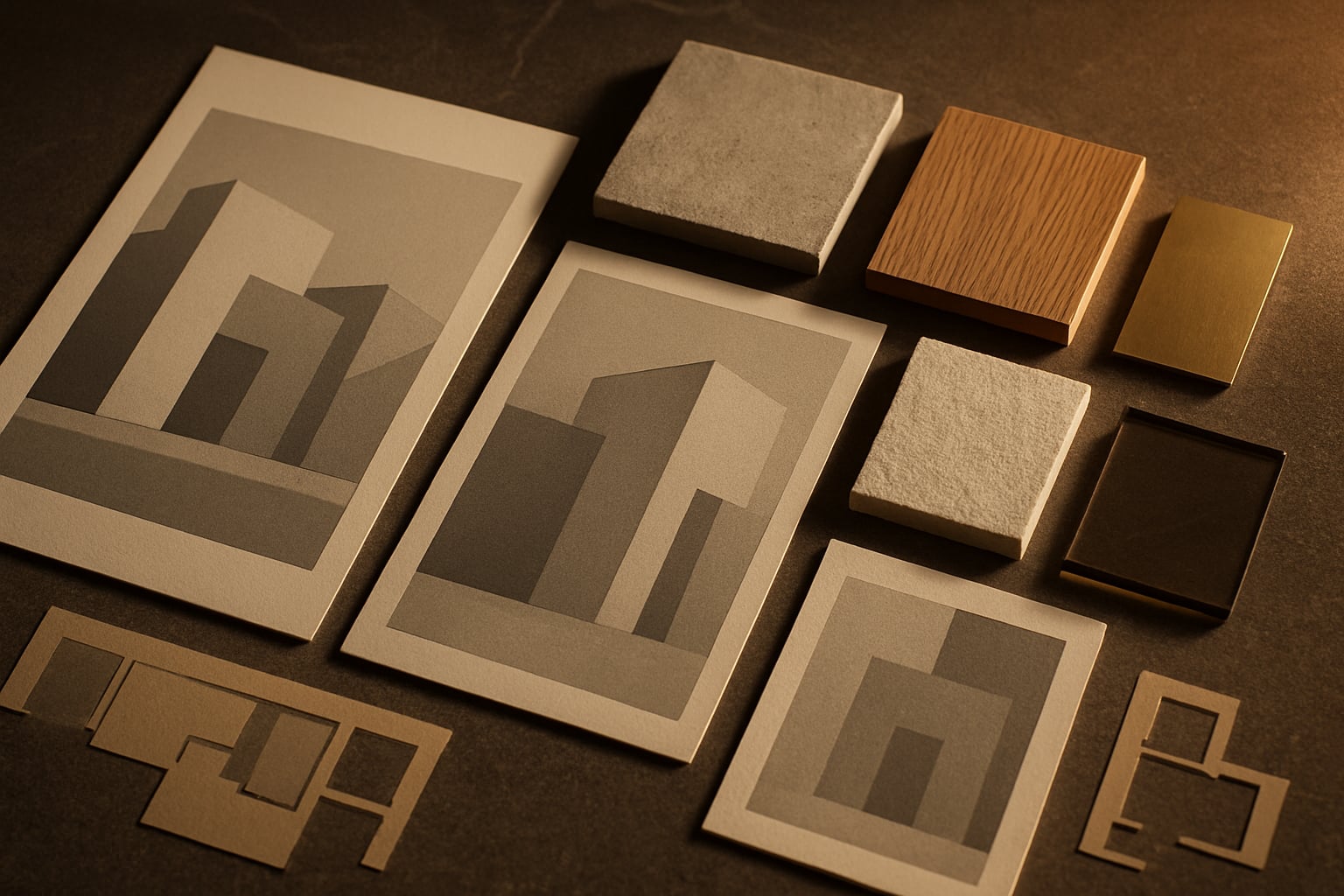
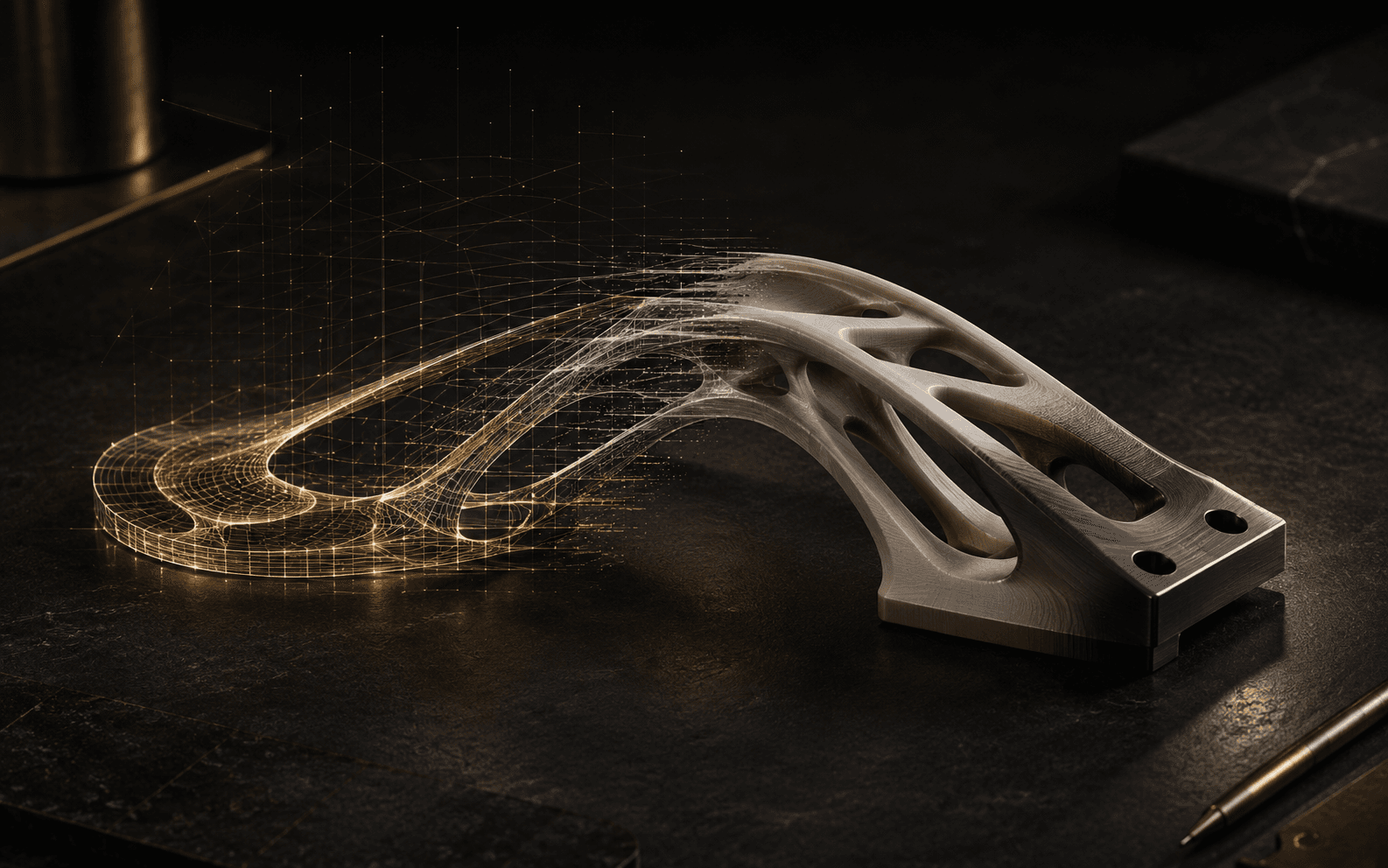
Visual preview

How it works

  1. 01Choose the visual direction for the space, object, material mood, or presentation goal.
  2. 02Use the prompt framework to turn that direction into a structured AI image prompt.
  3. 03Refine material, lighting, camera, composition, and atmosphere one variable at a time.
  4. 04Build a presentation sequence around the strongest visuals and the design narrative.
  5. 05Export or present the result through your usual design, board, deck, or client workflow.

Example use cases

  • Concept design
  • Interior moodboards
  • Client presentations
  • Competition visuals
  • Furniture and product concepts
  • Social media design previews
  • Studio workflow experiments

Key features

  • Prompt structures for architectural render directions
  • Interior concept and material moodboard prompt directions
  • Product and furniture visual prompt patterns
  • Client presentation prompt framework
  • Visual storytelling structure for design narratives
  • Prompt refinement checklist for cleaner iterations

Honest limitations

  • AI output depends on the model used, reference quality, and prompt interpretation.
  • Prompts may need refinement before the visual direction feels premium or consistent.
  • Results still require design judgment, technical review, and professional taste.
  • This is not a replacement for professional architectural work, documentation, or code compliance.

Frequently asked

Is this for beginners?
Yes. The kit is structured so beginners can follow the prompt frameworks, while experienced designers can use the same structure to move faster and create more consistent directions.
Is this only for architects?
No. It is useful for architects, interior designers, architecture students, visualization artists, product designers, and creative studios working with design visuals.
Does it work with Midjourney, ChatGPT, or image tools?
The prompts are written as adaptable structures for common AI writing and image workflows. You may need to adjust syntax, aspect ratios, or model-specific settings for your preferred tool.
Do I need design experience?
Design experience helps you judge quality, but the kit is meant to make the prompting and presentation process clearer even if you are still learning.
Is it instant access?
Access will be handled through Whop once the live Whop URL is connected. Until then, the public storefront shows the product overview and pending access state.
Where do I access it?
The product is handled on Whop. DPLab Store provides the public overview and sends buyers to Whop for access, checkout, or membership once the URL is active.
Can I use it for client work?
Yes, the prompt structures can support your own design work and client presentations. You should still review all results and follow your professional obligations.
Do you guarantee specific render results?
No. AI image output depends on the model, prompt interpretation, references, and iteration. The kit improves structure and direction; it does not guarantee perfect renders, client approval, or sales.
Available on Whop

Whop access link pending

The public product page is ready. A real checkout link will appear here once the Whop URL is connected.

Contact for access
License

Use the prompts and presentation structures for your own design work and client projects. Do not resell or redistribute the kit as a standalone product.

Refund policy

Checkout, access, and refund handling follow the active Whop product terms once the Whop URL is connected.

More in Design Resources